KidCash · Mobile banking app design for children
Teaching kids about money through play
Kids form habits around money really early, but most of us were never taught how money actually works.
- Role
- UX designer
- Team
- Solo project
- Tools
- Figma
- Timeline
- June–July 2025
TL;DR
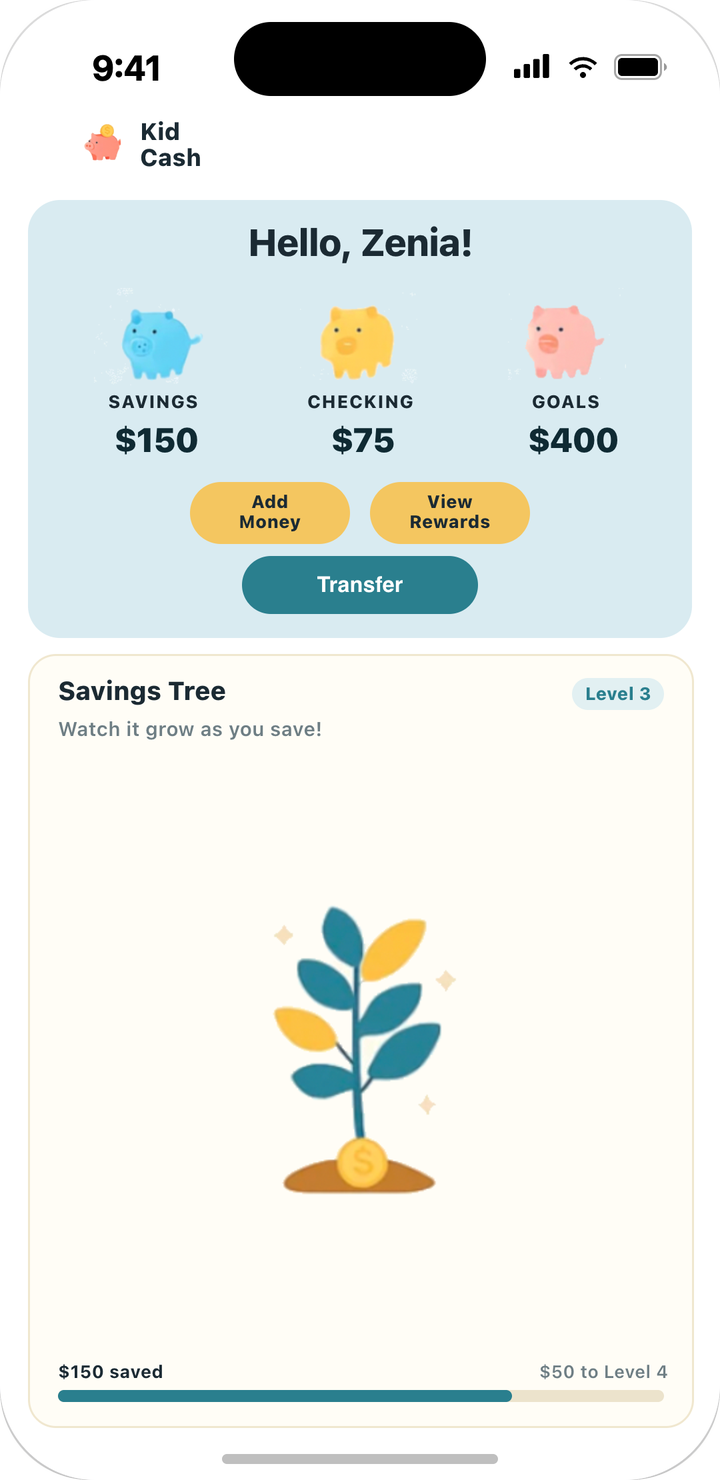
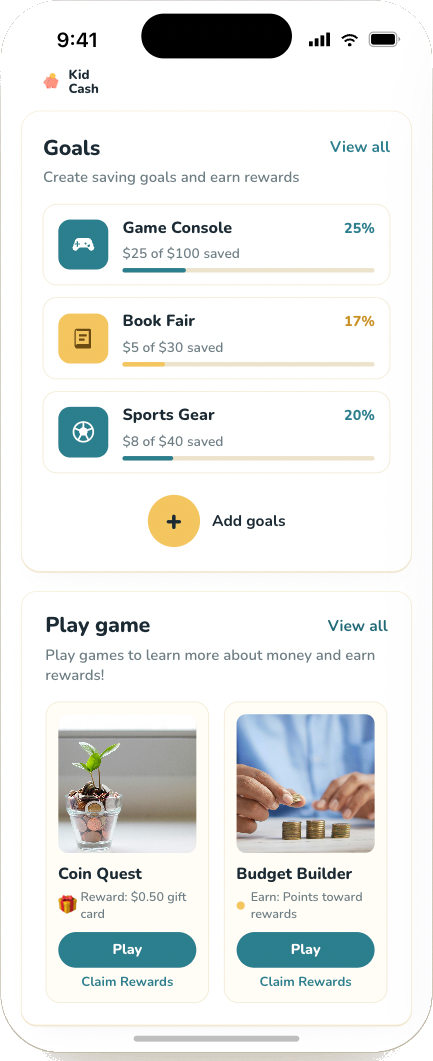
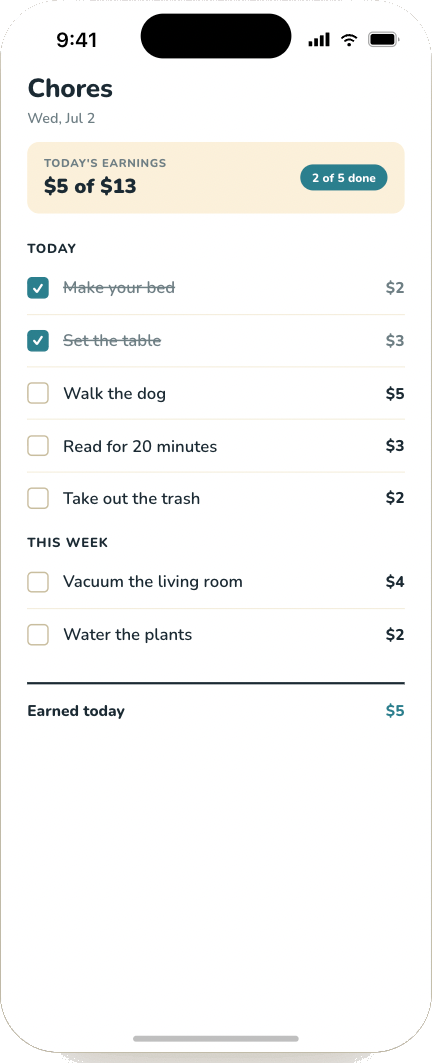
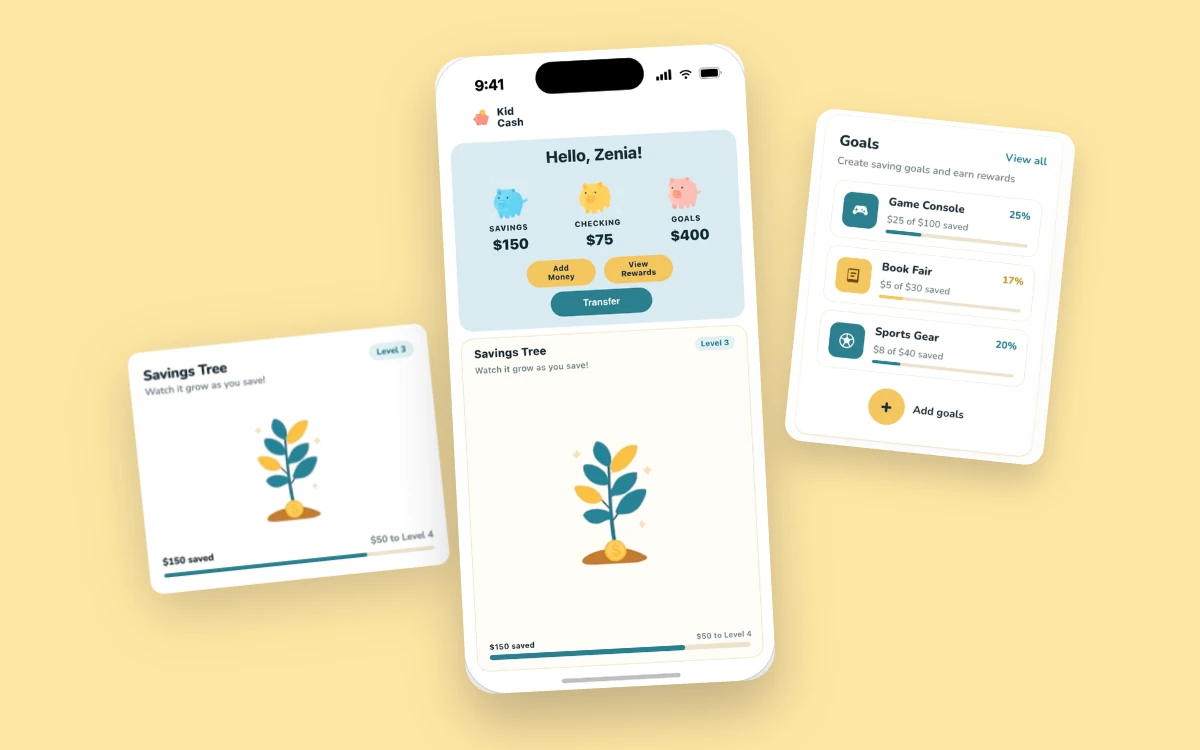
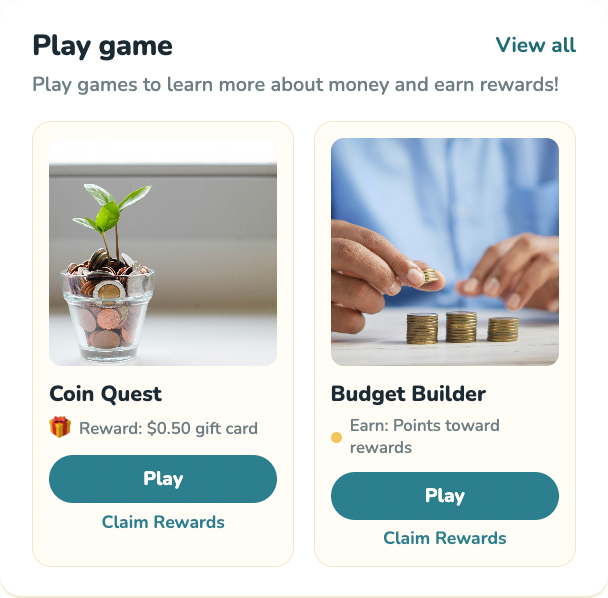
- A mobile app concept that teaches kids to earn, save and spend through chores, savings goals and small learning games.
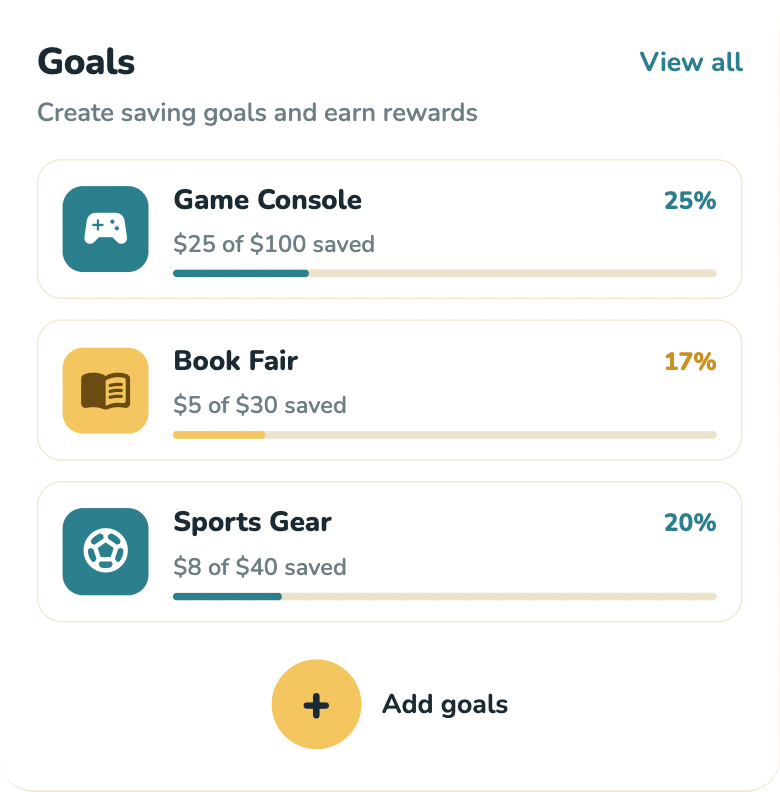
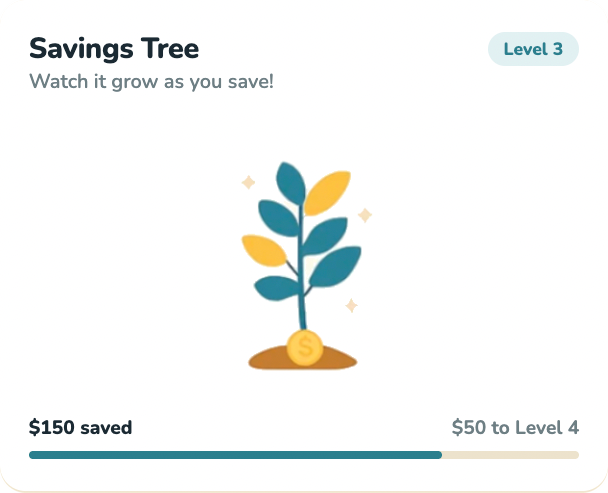
- Research showed money habits form early and digital spending makes money feel less real, so a Savings Tree and goal bars make saving visible.
- Borrowing ideas from Greenlight, GoHenry and Duolingo, it's designed to feel fun without being childish.
Why I created KidCash
I’ve always wished I had learned how to manage money earlier. Growing up, I spent without thinking and saved without really understanding why, mostly because no one ever taught me how money actually works.
KidCash is the app I wish I’d had. Kids do chores to earn a digital allowance, then decide what to spend, save or give. I wanted it to be fun without being childish or boring.
Understanding the problem
What I found:
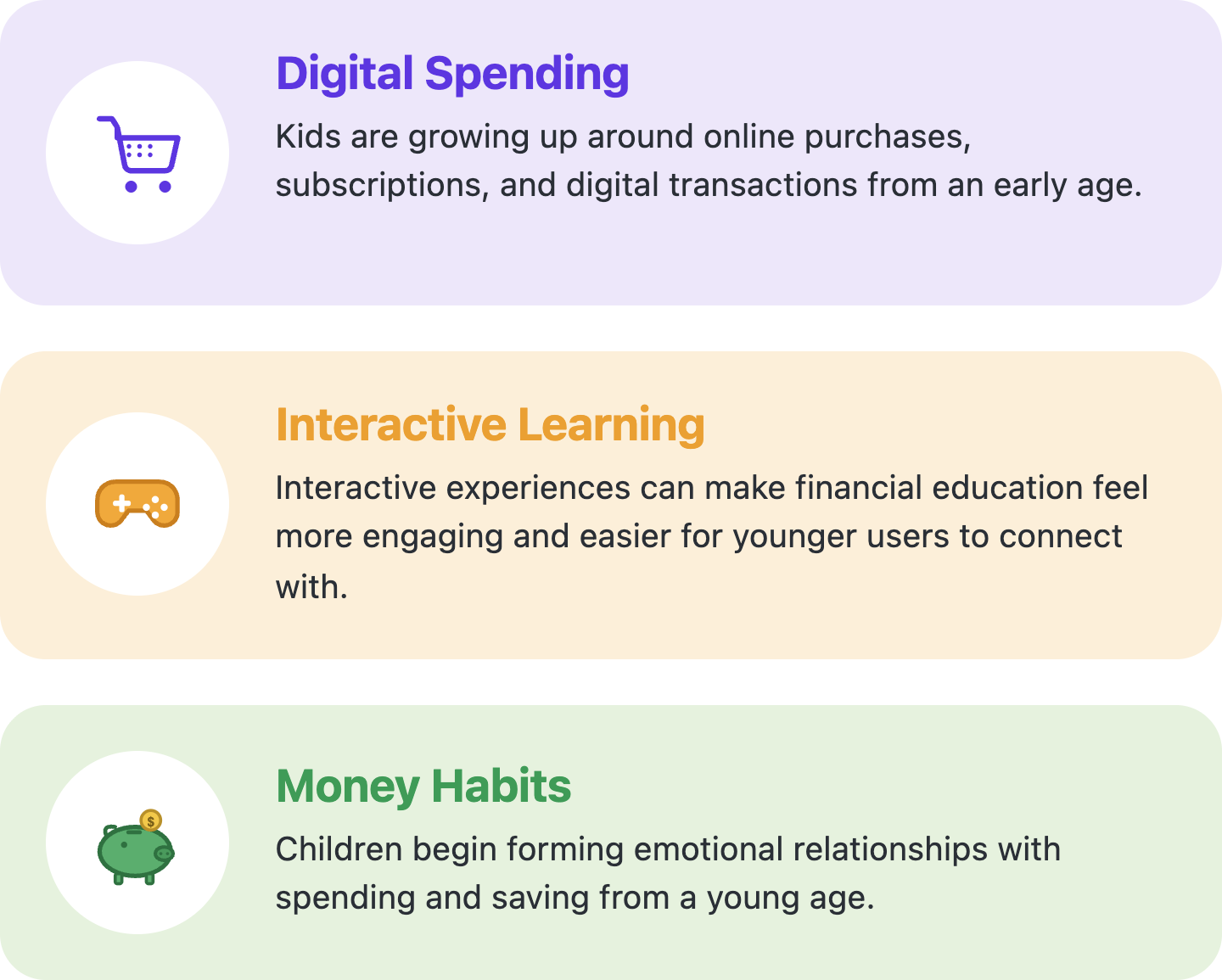
- Kids start forming attitudes about money very young, and those habits stick.
- When money is mostly taps and cards, it stops feeling real.
- A TD survey found 86% of Canadian parents think games that teach money would make it more fun for kids.
So saving had to be something you can see (a tree that grows, bars that fill up), and learning had to be a game.
Sources: TD Stories, “Your Kid’s Digital Spending Habits”; Michigan Ross, “New Research Shows Children Form Attitudes About Money at a Young Age”; Benjamin Talks, “Spendthrift or Penny Pincher? The Psychology Behind Your Kid and Money”.
Designing the experience
Moodboard
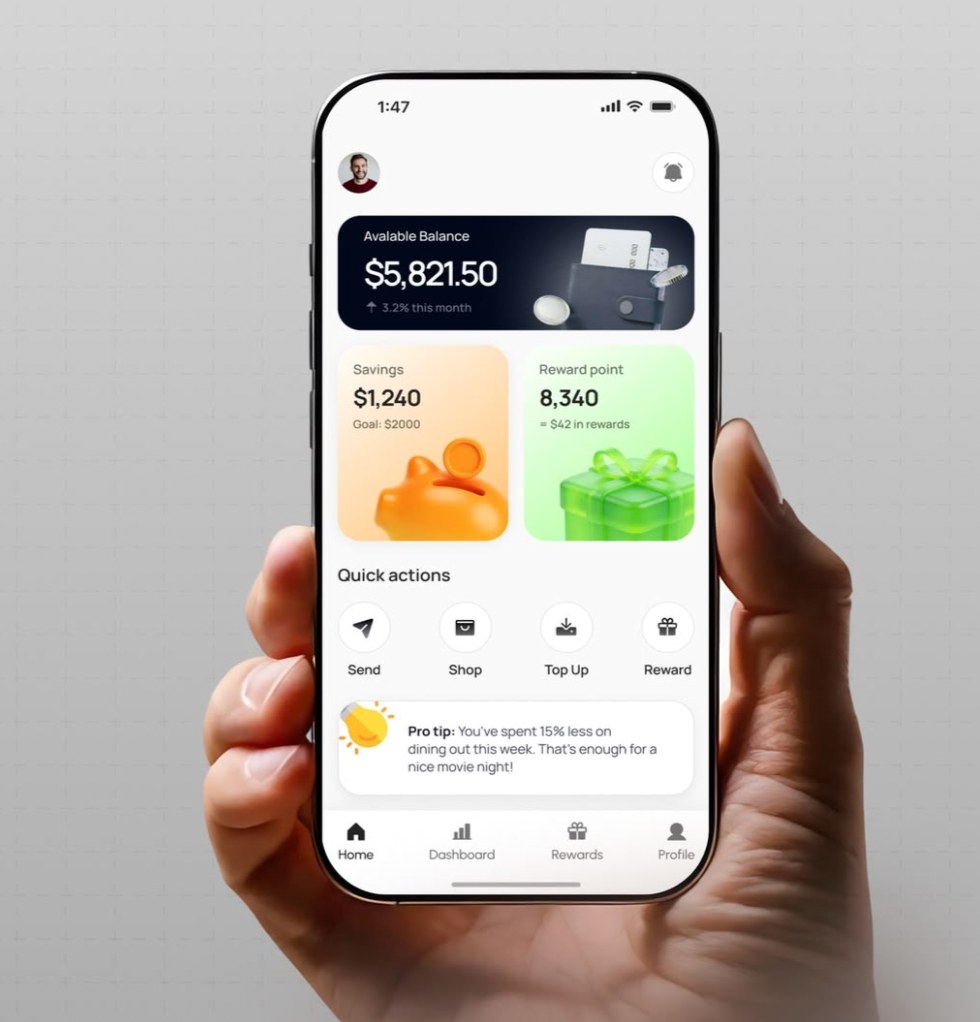
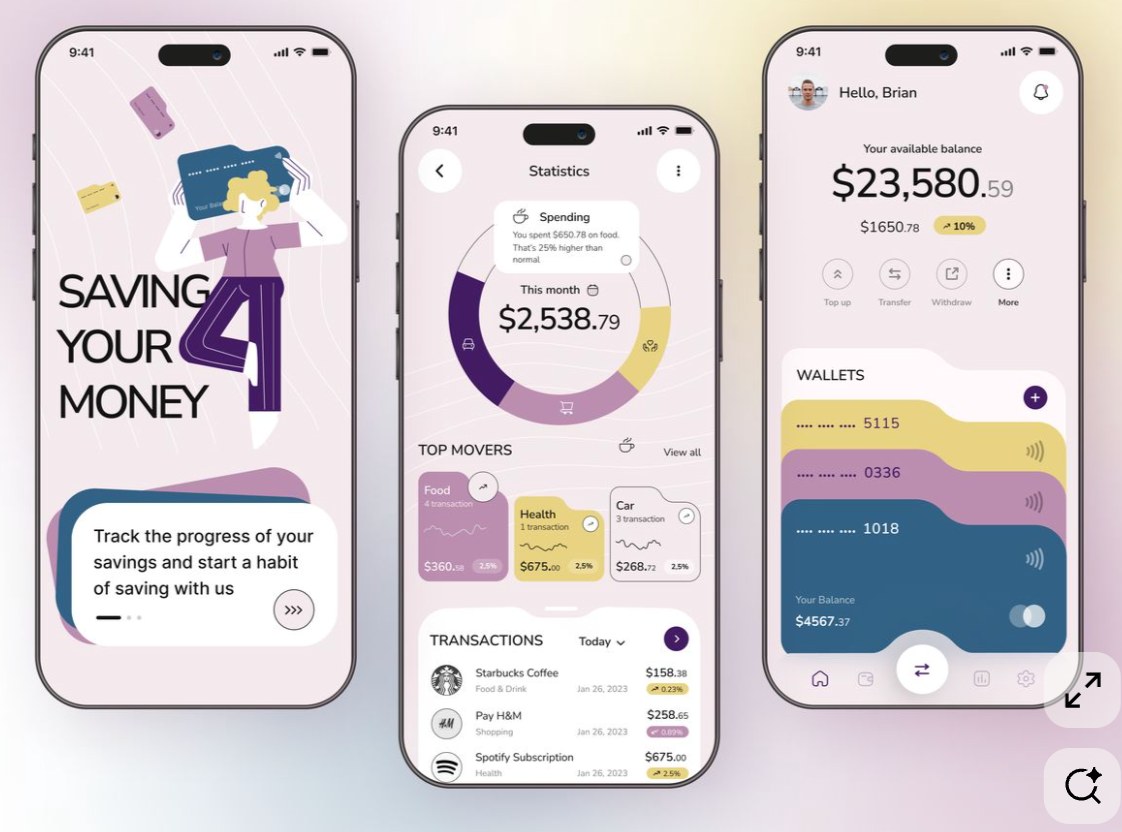
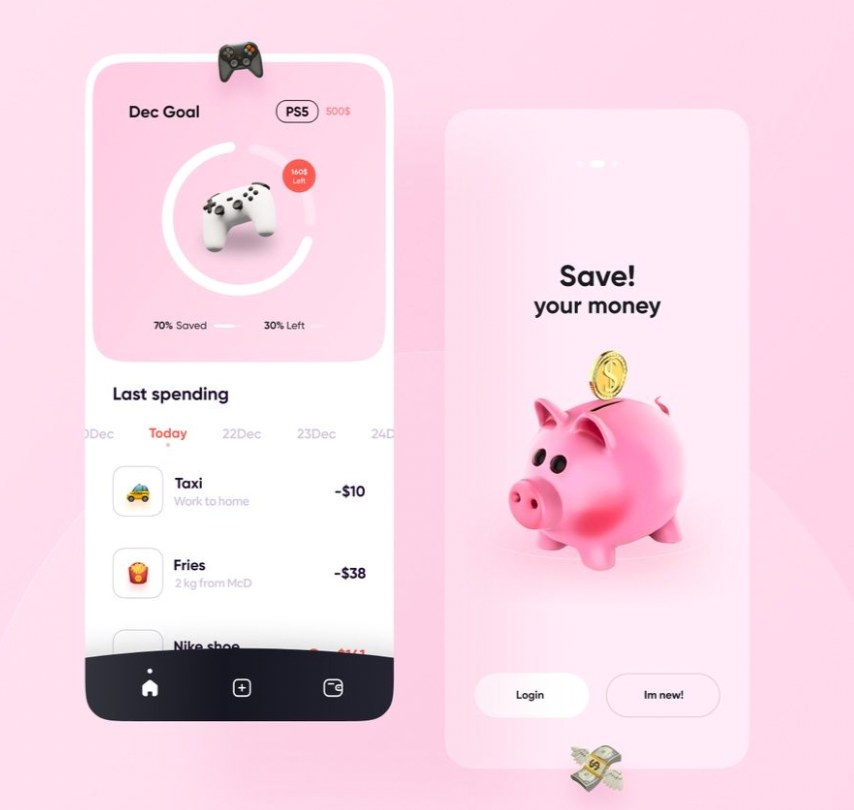
I took inspiration from gamified banking and savings app designs I found on Pinterest.
Colour palette
- Teal #2A7F8E
- Yellow #F4C660
- Pink #F4A2A2
- White #FFFFFF
- Cream #FBEFD9
- Dark navy #1B2A33
Typography
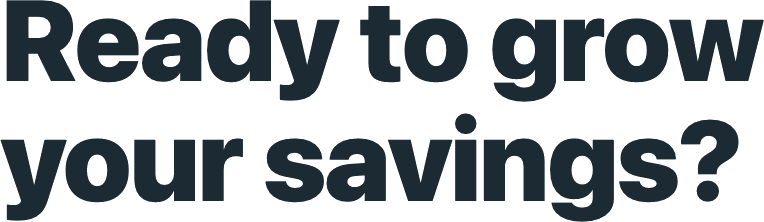
Nunito is the primary font.
Reference apps
- Greenlight: the spend / save / give system.
- GoHenry: chore rewards and earning.
- Duolingo: a friendly mascot and progress loops.
Key features
Final mockups